




Interaction Progress Development
I have no idea how to show the development for kinect integration with unity other than using recorded screen captures, so here is my interaction development progress.
Video 1: Handpoint Test
Video 2: Menu scroll test (using handpoint)
Video 3: User Map (might not be included in application, not sure if it would be much use)
Video 4: Menu Scene Test
In the video above, the character mirrors my movements (hands and legs) as well as my body rotation (camera view). However, I had problems moving back and forth as the characters flips my movements; going forward when I move backwards and vice versa.
I decided to make the character moves forward by using head detection. So I narrowed down the variables in the original OpenNiSkeleton script and focused on the head and hand joint. I then added my own variables (but saving the data for head joints into mine) so the script can iterate another script that I would add in order to make the character moves when I lean in by detecting my head's position. (hand joint is for hand control, on the menu)

I then wrote another simple script that uses Move instead of Transform function (on the character, now with Character Controller assigned to it) to move the character by following the head joint's changes.
To give it feel as if the user him/herself is in the environment, I turned off the mesh renderer for my character and make it look as if the user is controlling the camera view in the scene.
Boar Progress
I did a little bit of modification on the model. Just a little bit, it now has slightly bigger legs and bigger upper body and head. Looks more like a boar now rather than the commercial pig. Heh


painting progress.
......


final (kinda)


Compo Testing test
Component testing in Unity.
I did not make the female avatar. The model was downloaded from here. It would be just a sillhouette that I want to be shown on the screen, or maybe I'll just turn off the mesh renderer.
Now, the component testing here is to test the full integration between Kinect and Unity. This is all built with OpenNi, SensorKinect, and NITE (well of course Unity3D). Heavy re-writing on the Nite and character controller script was done. And it took me a long time to get to this stupid looking so-called 'achievement'.
I managed to make the avatar walk around in the scene.. However, there is actually an invisible box at the center which will trigger the Dodo to come in. I haven't managed to make it work yet.

Dodo Walk Test
I am still trying to fix the IK and the envelope for the wings. I know it's weird to see a bird walking in a T-pose. haha


Environment Test

This is the proposed environment for the application. Created in Unity, I had the resolution fixed to 4:3. Not quite looking like my sketch, but the space and positioning of water and trees is like what I have in my sketch.
Will experiment more on giving the whole 'sunset feel' into the environment. Probably I need to make the sun shaft lower and fix the colour.
Wings....Fixed!

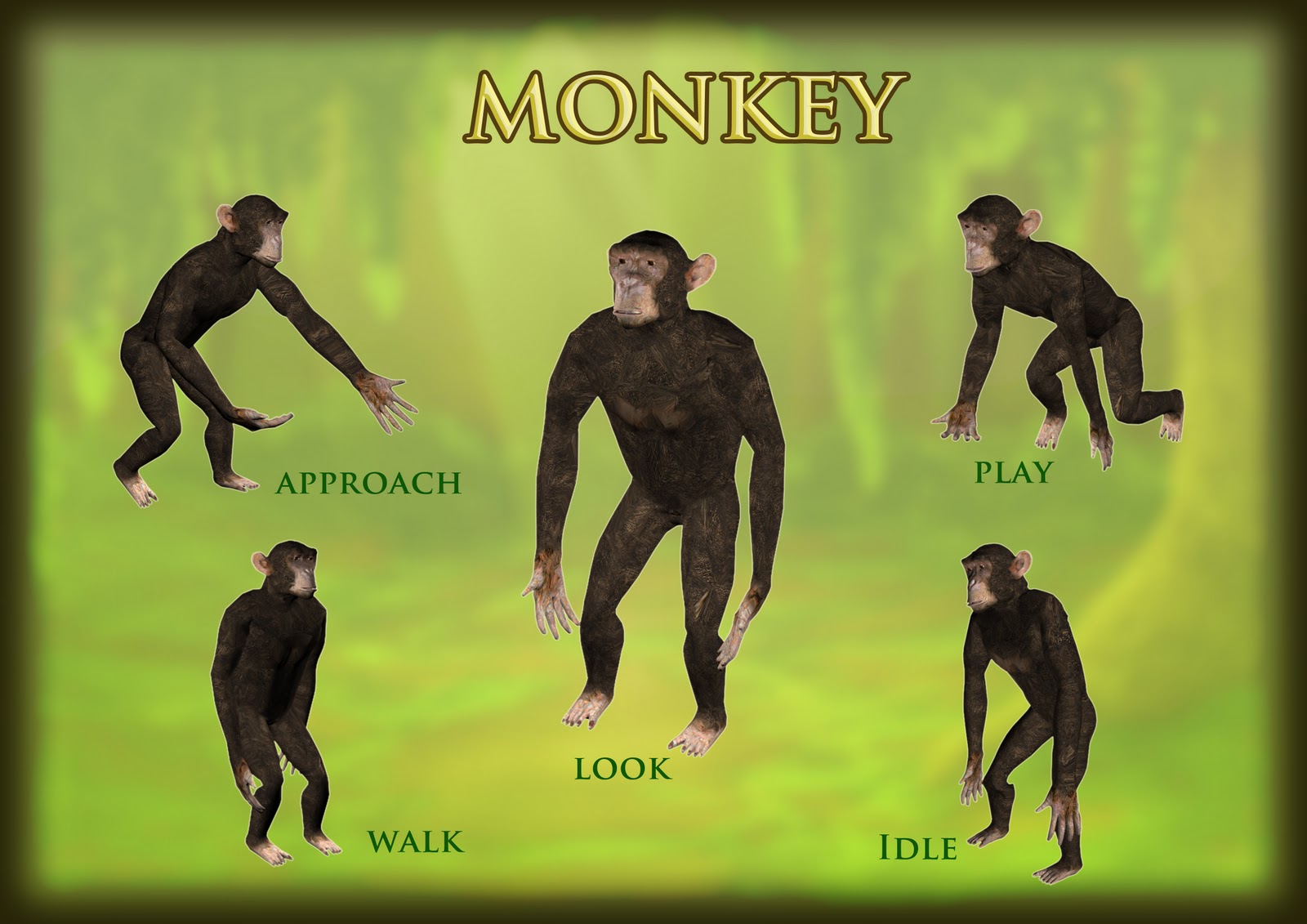
The wings are no longer cacat! Yay! Okay I'm gonna fix the head next when I'm done with my monkey.

Dodo Modelling Progress
I have finished modelling the main character, which is Dodo. (only sort of finished, because the eyes are just spheres that I couldn't bother to edit and reduce the sides, but I'll change later, I promise). Added the feet and the claws. Current polycount for the finished model is around 2.5k. After mapping, I'll try and reduce the poly even more.

Side view

Front view

Top view

Perspective
I will be moving on to model the next character now, which is monkey (Chimpanzee).
Subscribe to:
Posts (Atom)